Skip to content
HubSpot Marketplace Module

Video gallery

Published
HubSpot Marketplace
video gallery
Built for HubSpot
Module Documentation

Everything you need to get started

Overview

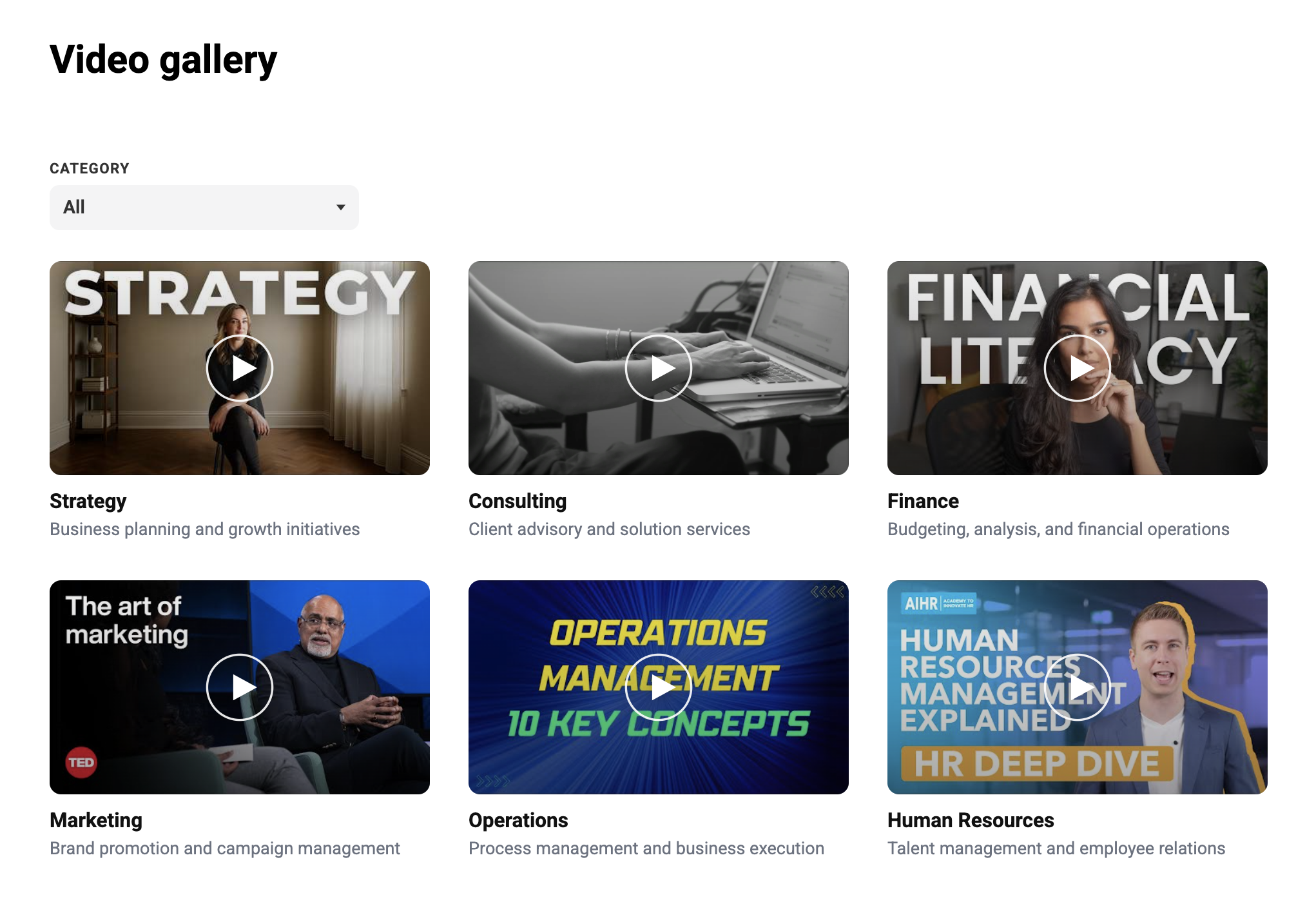
The Video Gallery with Filters module is a modern and flexible solution for showcasing video content in an organized, user-friendly layout. Designed with built-in category filtering, this module allows visitors to quickly browse and discover videos based on topics, departments, services, or custom categories.

Whether you're displaying educational content, webinars, tutorials, case studies, or marketing videos, this module helps create an engaging and professional video experience across all devices.


Features

  • Filter videos by custom categories
  • Dynamic dropdown filter for easy navigation
  • Automatically groups videos with matching category labels
  • Case-insensitive category matching for simplified content management
  • Background color customization
  • Typography and text color controls
  • Adjustable spacing and padding
  • Grid and card layout customization
  • Card styling options including borders, radius, and shadows
  • Responsive sizing and alignment settings
Available Customisation

Make the module work for your brand

Control the layout, content and visual appearance directly from the HubSpot page editor.
HubSpot Editor
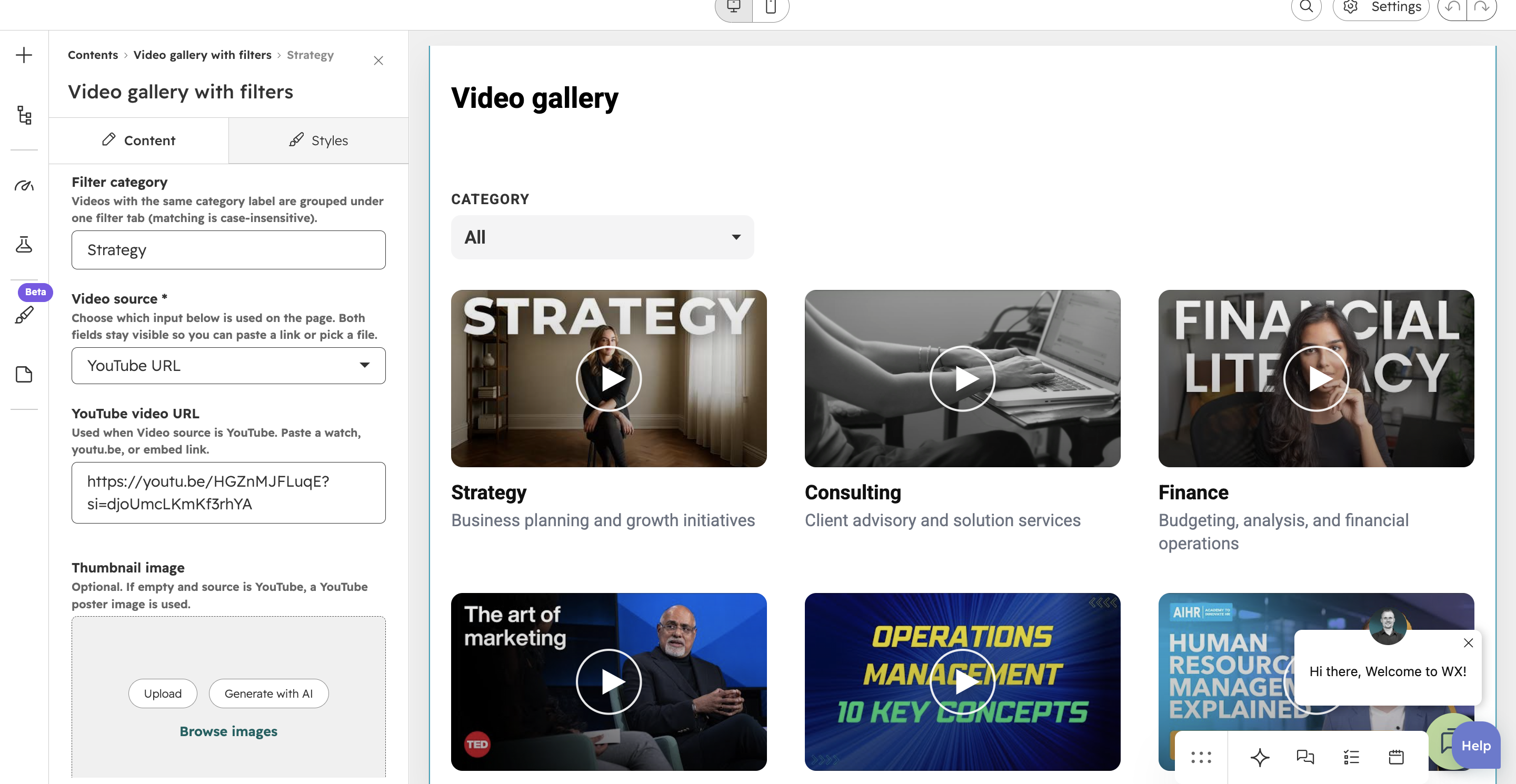
video gallery filter
Layout

Flexible Video Sources

Easily add videos using YouTube URLs or HubSpot File Manager uploads based on your content needs.Provide a smooth viewing experience with built-in embedded video playback directly within the gallery layout.

HubSpot Editor
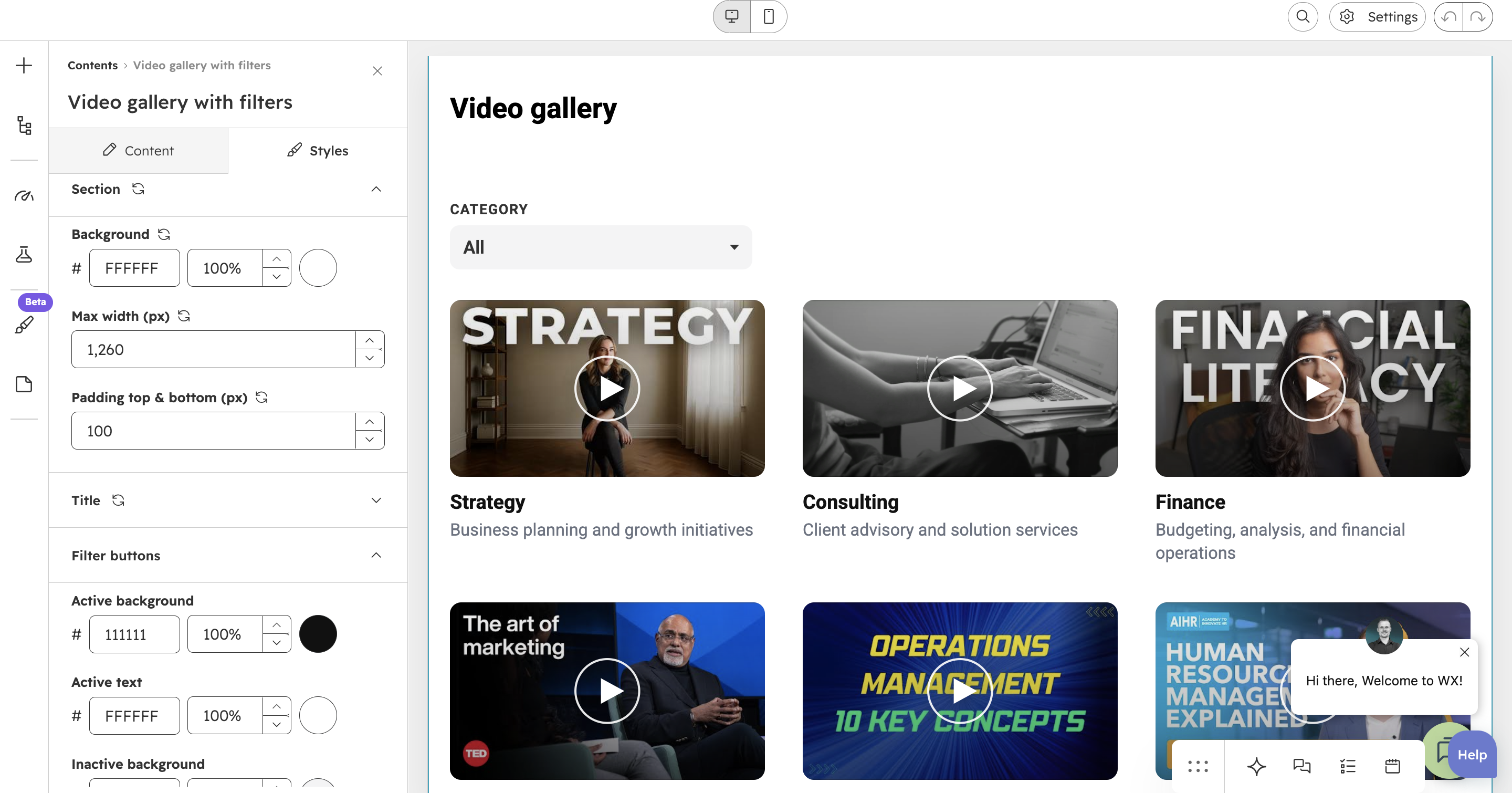
video gallery features
Content

Fully customizable styling options

Personalize the module with background color customization, typography and text color controls, adjustable spacing and padding, flexible grid and card layouts, customizable card styles including borders, radius, and shadows, along with responsive sizing and alignment settings to match your website.