Skip to content
HubSpot Marketplace Module

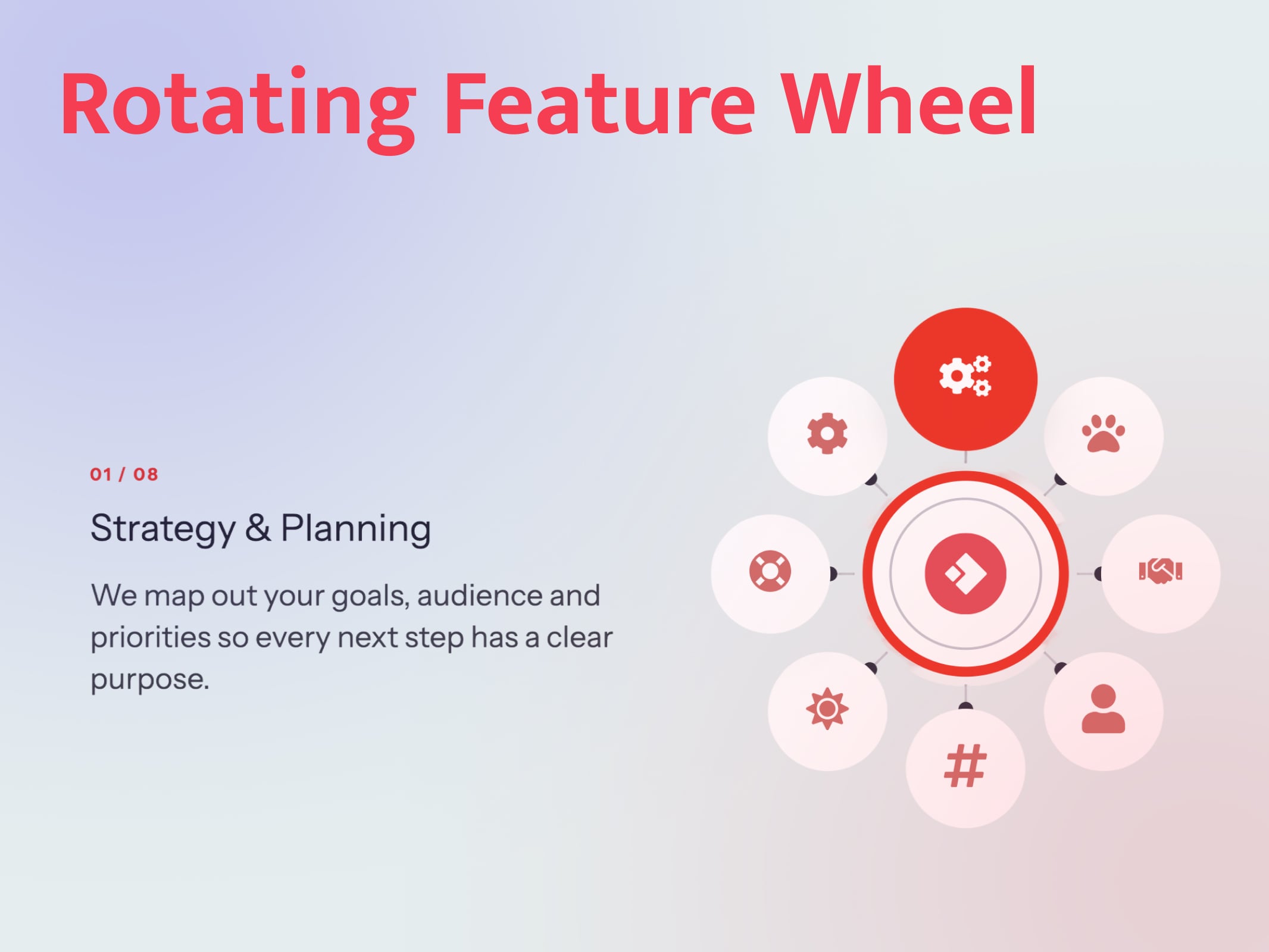
Rotating Feature Wheel

Published
HubSpot Marketplace
rotator
Built for HubSpot

Rotating Feature Wheel 01

01 08

Strategy & Planning

We map out your goals, audience and priorities so every next step has a clear purpose.

02 08

Brand Identity

A memorable look and voice that makes your business instantly recognisable across every channel.

03 08

Customer Support

Friendly, fast help whenever your customers need it, keeping them happy and loyal.

04 08

Personal Onboarding

A dedicated specialist guides your team through setup so you see results from day one.

05 08

Social Media

Engaging campaigns and consistent posting that grow your audience and start real conversations.

06 08

Growth Marketing

Data-driven campaigns that turn visitors into leads and leads into long-term customers.

07 08

Training & Resources

Guides, workshops and best practices that help your team get the most out of every tool.

08 08

Automation & Integrations

Connect your tools and automate repetitive tasks so your team can focus on what matters.

Strategy & Planning

We map out your goals, audience and priorities so every next step has a clear purpose.

Brand Identity

A memorable look and voice that makes your business instantly recognisable across every channel.

Customer Support

Friendly, fast help whenever your customers need it, keeping them happy and loyal.

Personal Onboarding

A dedicated specialist guides your team through setup so you see results from day one.

Social Media

Engaging campaigns and consistent posting that grow your audience and start real conversations.

Growth Marketing

Data-driven campaigns that turn visitors into leads and leads into long-term customers.

Training & Resources

Guides, workshops and best practices that help your team get the most out of every tool.

Automation & Integrations

Connect your tools and automate repetitive tasks so your team can focus on what matters.
Rotating Feature Wheel 02

01 08

Strategy & Planning

We map out your goals, audience and priorities so every next step has a clear purpose.

02 08

Brand Identity

A memorable look and voice that makes your business instantly recognisable across every channel.

03 08

Customer Support

Friendly, fast help whenever your customers need it, keeping them happy and loyal.

04 08

Personal Onboarding

A dedicated specialist guides your team through setup so you see results from day one.

05 08

Social Media

Engaging campaigns and consistent posting that grow your audience and start real conversations.

06 08

Growth Marketing

Data-driven campaigns that turn visitors into leads and leads into long-term customers.

07 08

Training & Resources

Guides, workshops and best practices that help your team get the most out of every tool.

08 08

Automation & Integrations

Connect your tools and automate repetitive tasks so your team can focus on what matters.
Strategy & Planning

We map out your goals, audience and priorities so every next step has a clear purpose.

Brand Identity

A memorable look and voice that makes your business instantly recognisable across every channel.

Customer Support

Friendly, fast help whenever your customers need it, keeping them happy and loyal.

Personal Onboarding

A dedicated specialist guides your team through setup so you see results from day one.

Social Media

Engaging campaigns and consistent posting that grow your audience and start real conversations.

Growth Marketing

Data-driven campaigns that turn visitors into leads and leads into long-term customers.

Training & Resources

Guides, workshops and best practices that help your team get the most out of every tool.

Automation & Integrations

Connect your tools and automate repetitive tasks so your team can focus on what matters.

Module Documentation

Everything you need to get started

Overview

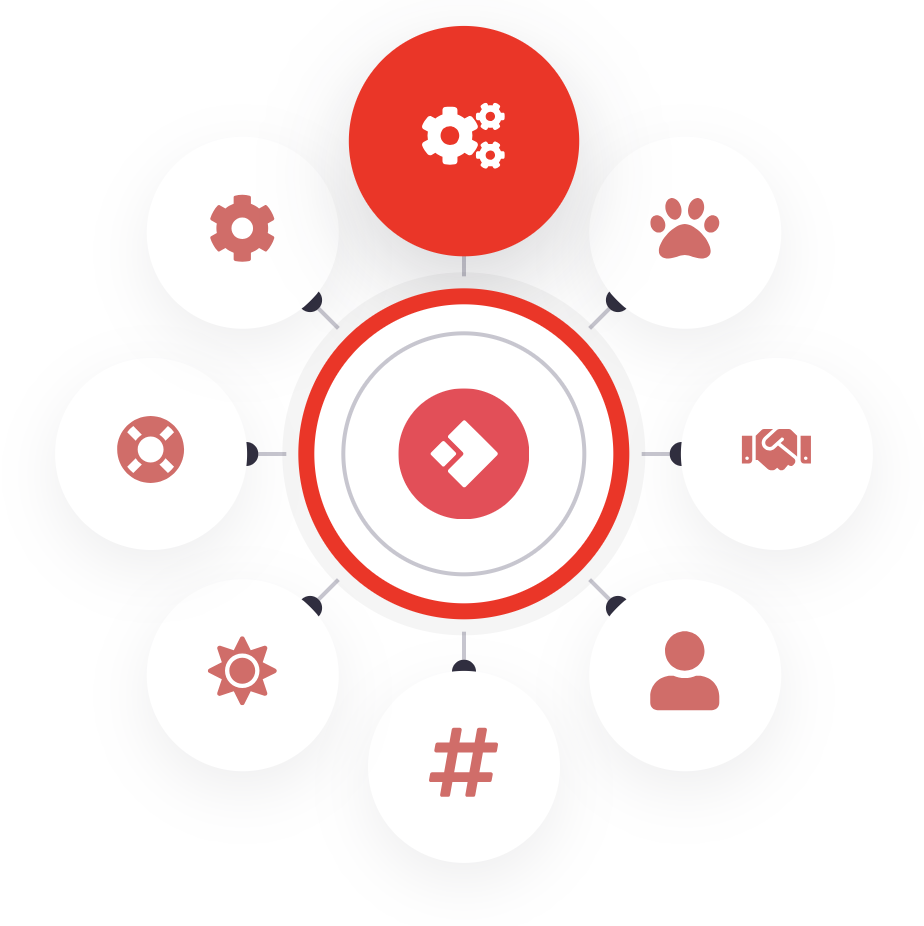
Rotating Feature Wheel shows 2 to 12 features or services as icons on a circle. Clicking an icon turns the wheel so that icon moves to the top and becomes active, and its title, text and optional button appear beside the wheel.

6 main features

  1. Click-to-rotate wheel: the clicked icon turns to the top and becomes active, and its content appears beside the wheel.
  2. 2 to 12 flexible items: each has an icon or uploaded image, a title, rich text and an optional button, spaced evenly around the wheel.
  3. Rotation and autoplay control: shortest-path, clockwise or counter-clockwise turning, adjustable speed and easing, and autoplay that pauses on hover.
  4. Mobile-ready: below 860px it shows an accordion, or keeps the wheel stacked above the text.
  5. Accessible by default: keyboard navigation, screen-reader tab roles, and no motion for visitors who turn motion off.
  6. Theme-safe styling: it inherits theme colours and fonts, resists theme button and link styles, and runs several instances per page with no jQuery.

Installation

Upload the module folder to Design Manager, then add it to a page like any other module.

  1. Upload the folder with the HubSpot CLI, or drag rotating-feature-wheel.module into Design Manager:
    • hs upload rotating-feature-wheel.module <folder>/rotating-feature-wheel.module --account=<account>
  2. Check the icon. meta.json points to module-icons/wx-rotator-icon.svg in the WX-staging File Manager. To use a file named after the new module, upload it and change the icon URL.
  3. Open a page in the editor, add a module and search for Rotating Feature Wheel.
  4. Edit the items in the Content tab and the look in the Style tab.

The module works on site pages, landing pages, blog posts and blog listings. Its Marketplace categories are Body content, Functionality and Design.

meta.json has no module_id, so HubSpot creates it as a new module. It does not replace the older wx-rotator.module.

How it works

The items are placed evenly around a circle, 360° divided by the item count apart, with item 1 at the top. A click turns the whole wheel so the clicked item lands at the top.

  1. A visitor clicks an icon, presses an arrow key, or autoplay moves on.
  2. The script works out the turn needed to bring that icon to 0° (the top), using the chosen rotation direction. Shortest path never turns more than 180°.
  3. The wheel rotates by that amount. Each icon turns the opposite way at the same speed, so icons stay upright.
  4. The new icon becomes active: it grows to the active scale and fills with the primary colour.
  5. The matching content panel fades or slides in. Panels are stacked in one space, so the page does not jump when the text length changes.

Accessibility

  • The icons are a tab list and the content panels are tab panels, linked with aria-controls and aria-labelledby
  • Each icon is a focusable tab (a div with role="tab", not a <button>, so theme button styles never apply), named after its item title. Enter and Space select it
  • Arrow keys move to the next or previous item, and Home and End jump to the first and last
  • Hidden panels are marked inert, so screen readers and keyboard focus skip them
  • With reduced motion turned on, the wheel and text change without animation and autoplay is off

Several wheels on one page: each instance gets its own ID, colours and settings, and the script starts every wheel separately.

Page load: the first item is placed straight away with no animation, so visitors don't see the wheel spin on arrival.

Available Customisation

Make the module work for your brand

Control the layout, content and visual appearance directly from the HubSpot page editor.
HubSpot Editor
rotation
Layout

Flexible Layout Controls

Place the content left or right of the wheel, set the width and spacing, and choose which item opens first. The wheel scales with its column, so it fits full-width sections and narrow columns alike.

HubSpot Editor
r-s-3
Content

Improved Content Organization

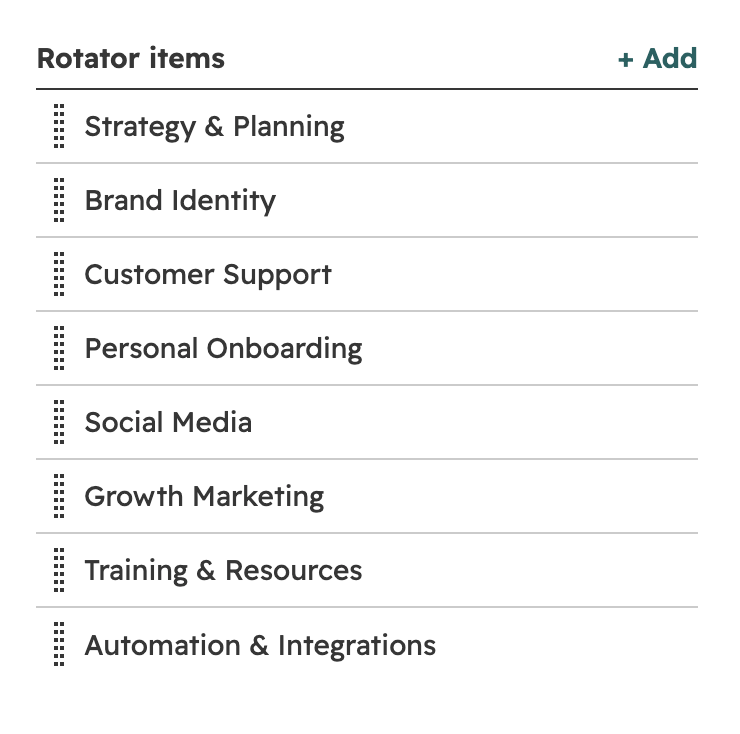
Add 2 to 12 items and drag to reorder them. Each item has a title, rich text, an icon or your own image, and an optional button, all edited in one simple list.

HubSpot Editor
r-s2
Layout

Brand-Ready Styling

Match your brand with 11 colour controls, a centre logo, adjustable circle sizes, spokes and shadows. Colours and fonts follow your theme automatically, so new wheels look on-brand from the start.