Skip to content
HubSpot Marketplace Module

Flip Box

{% module_block module "widget_a2c44d07-11db-45d8-8e64-bdbfb1a2ffdf" %}{% module_attribute "box_contents" is_json="true" %}[{"box_back_side":{"box_content":"

The Flip Card Box

\n

The Flip Card Box with good modern browser support for three-dimensional transforms, creates a basic flip card that is relatively straightforward

","button_text":"Button Text"},"box_front_side":{"box_icon":{"alt":"logo","height":69,"max_height":69,"max_width":78,"size_type":"auto","src":"https://www.wx.agency/hubfs/WebXpertos_Aug2016_Files/Images/WX-1.png","width":78},"content":"
Published
HubSpot Marketplace
Flip box Image
Built for HubSpot

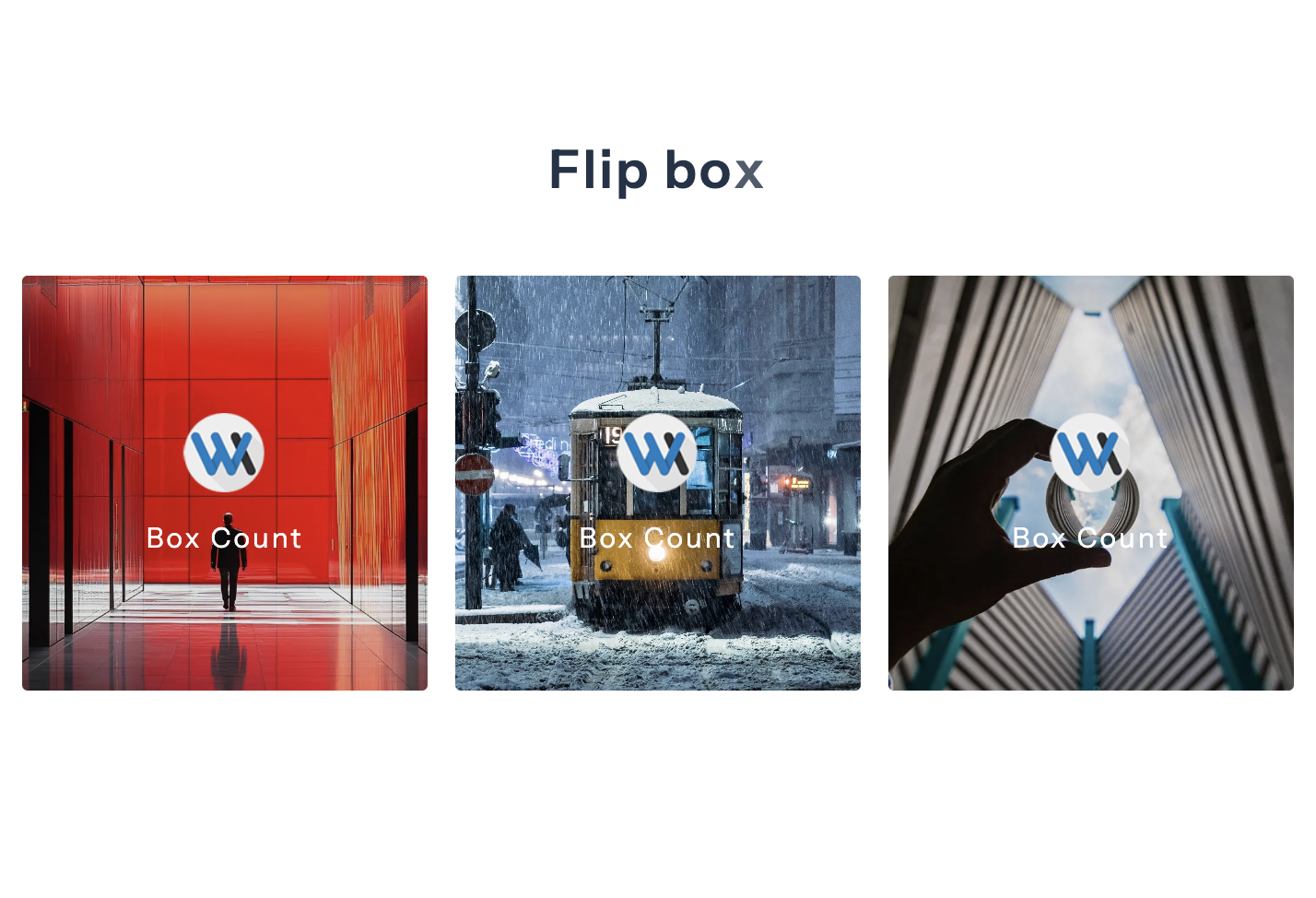
Flip box

logo Box Count

The Flip Card Box

The Flip Card Box with good modern browser support for three-dimensional transforms, creates a basic flip card that is relatively ...
logo Box Count

The Flip Card Box

The Flip Card Box with good modern browser support for three-dimensional transforms, creates a basic flip card that is relatively ...

logo Box Count

The Flip Card Box

The Flip Card Box with good modern browser support for three-dimensional transforms, creates a basic flip card that is relatively ...
Module Documentation

Everything you need to get started

Overview

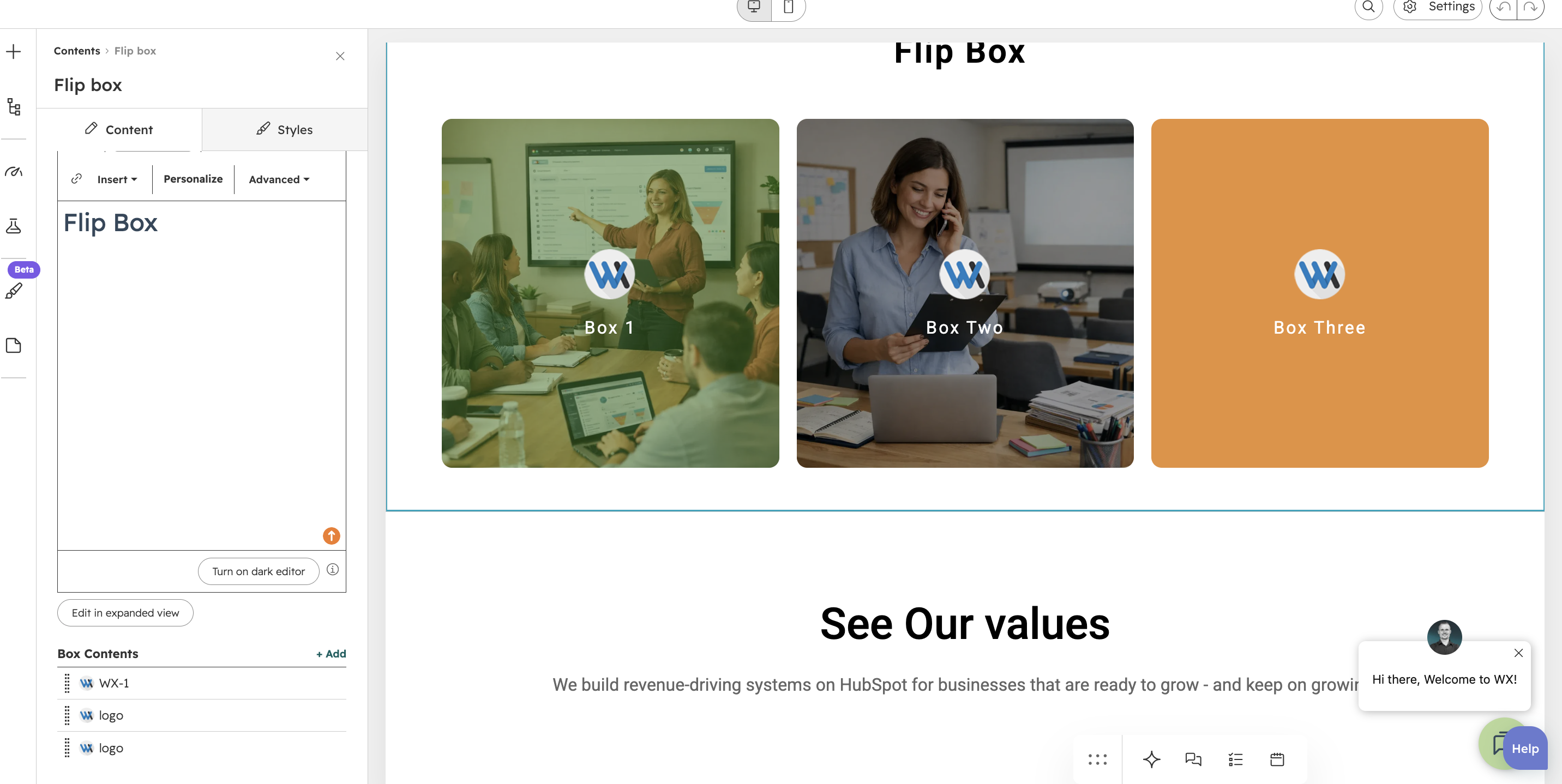
The Flip Box Module is a flexible, customizable HubSpot CMS module for interactive flip cards. It uses a front and back face inside a parent container, with the back face layered to match the front size for a smooth 3D flip.


Features

  • Fully customizable styling (colors, spacing, gradients, typography)
  • 3D flip animation with smooth transitions
  • Responsive across desktop, tablet, and mobile
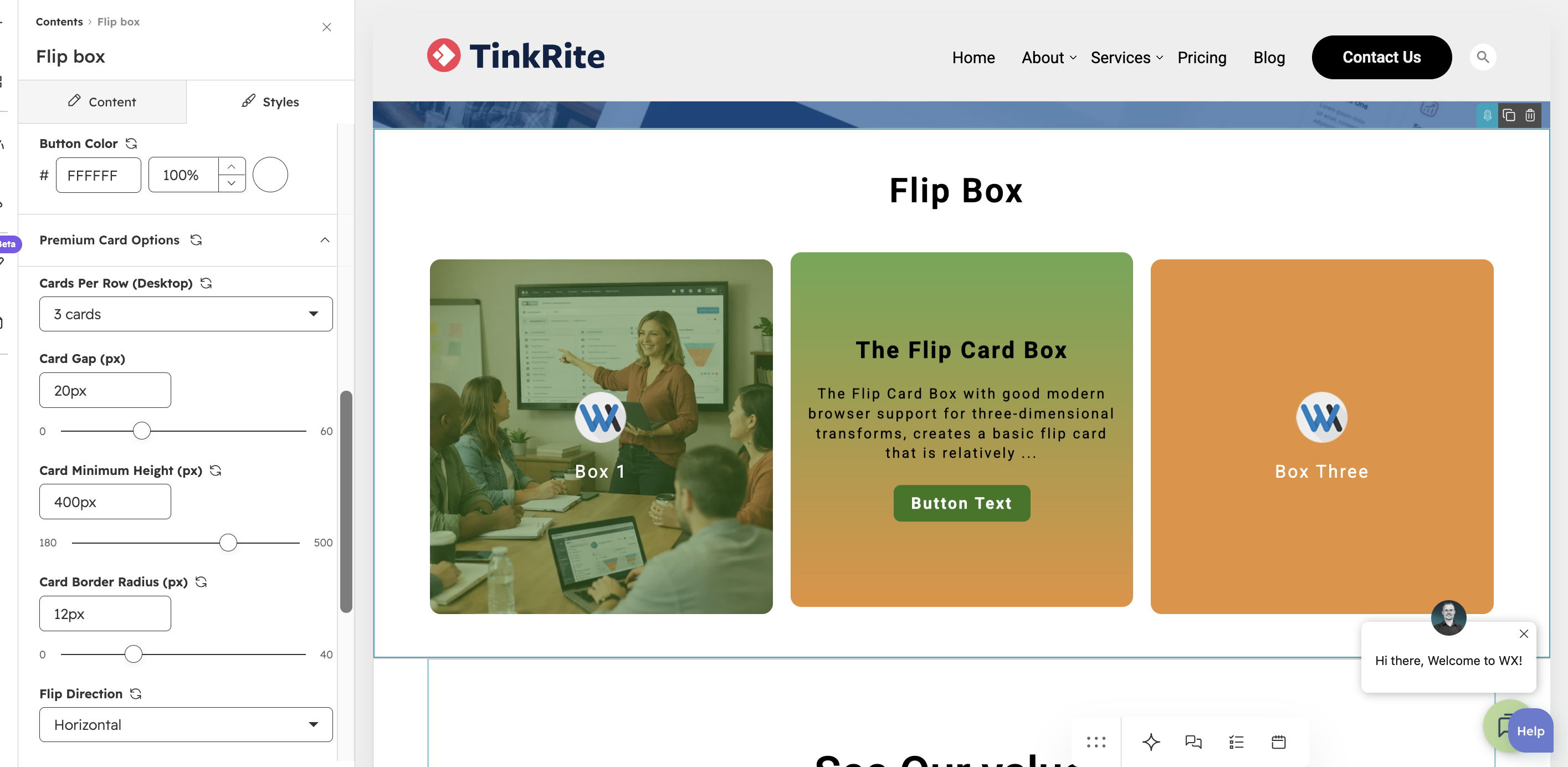
  • Flexible card layout (2, 3, or 4 cards per row)
  • Repeatable card content structure
  • Per-card CTA button/link support
  • Brand-friendly design controls
  • Front side background modes: Color or Image
  • Front image overlay color control
  • Optional hover lift effect with adjustable lift distance
  • Optional hover content color toggle for back content text
Available Customisation

Make the module work for your brand

Control the layout, content and visual appearance directly from the HubSpot page editor.
HubSpot Editor
Feature 1
Layout

Design Features

Unlock the power of our module to enable item repetition in the box. Tailor your display further by selecting the desired layout, with options including a Two Card layout, Three Card layout, or Four Card layout—flexible choices to meet your specific requirements.
HubSpot Editor
Feature 2
Layout

Customization Options

You can customize content colors, spacing, alignment, and more with our module. Match your brand's style and create a lasting, seamless visual experience. Embrace full control to showcase your content precisely as envisioned.